Android app for scanning barcodes with the phone camera and sending them to a PC via bluetooth. No
special software is required on the PC as this app uses the BluetoothHID API available on devices
running Android 9 or greater.
## Features
- Supports a wide range of Linear and 2D-Codes thanks to
Googles [ML-Kit](https://developers.google.com/ml-kit/vision/barcode-scanning)
- Doesn't require any internet connection
- Large amount of customization for different use-cases
- Auto connect with last device
- Auto send on detection
- Extra keys like \n or \t
- And much more
## Screenshots
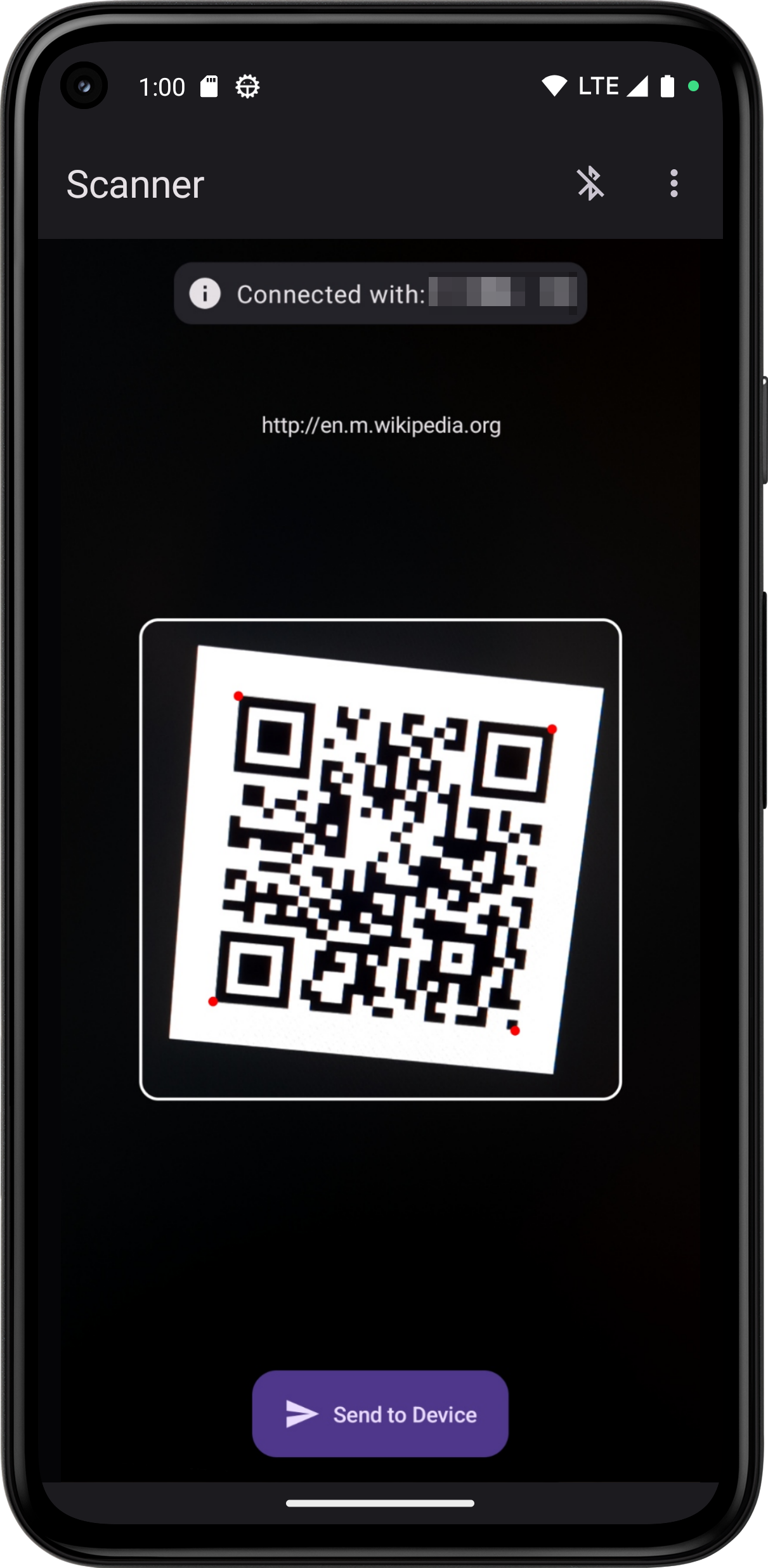
Device list and Scanner screen. If you don't want to connect with any device now and just want to
try out the scanner, pressing the 'Skip'-Button at the bottom of the paired devices will bring you
directly to the scanner.
Otherwise the app tries to connect with the selected device and automatically sends you to the
scanner once connected.

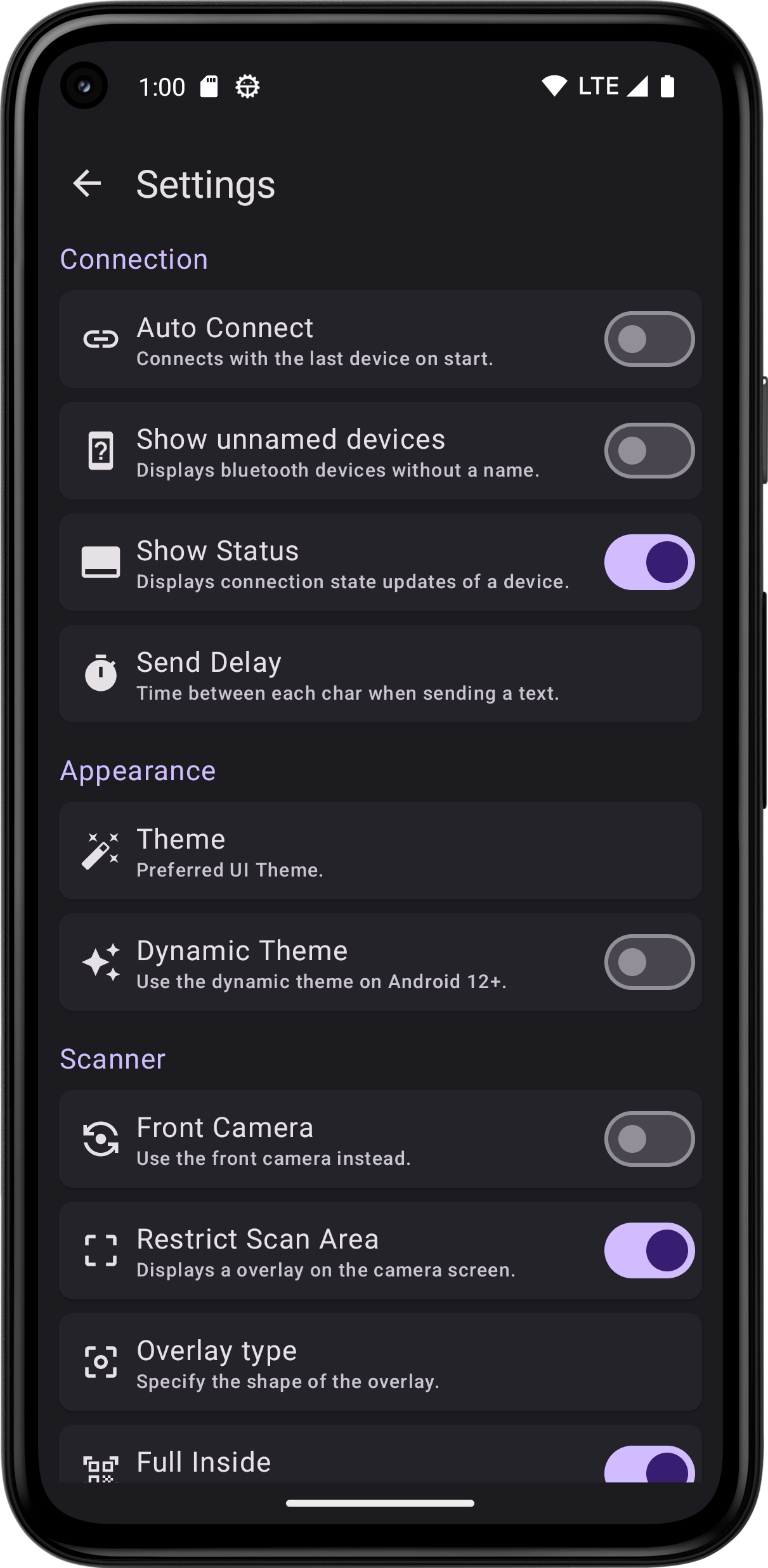
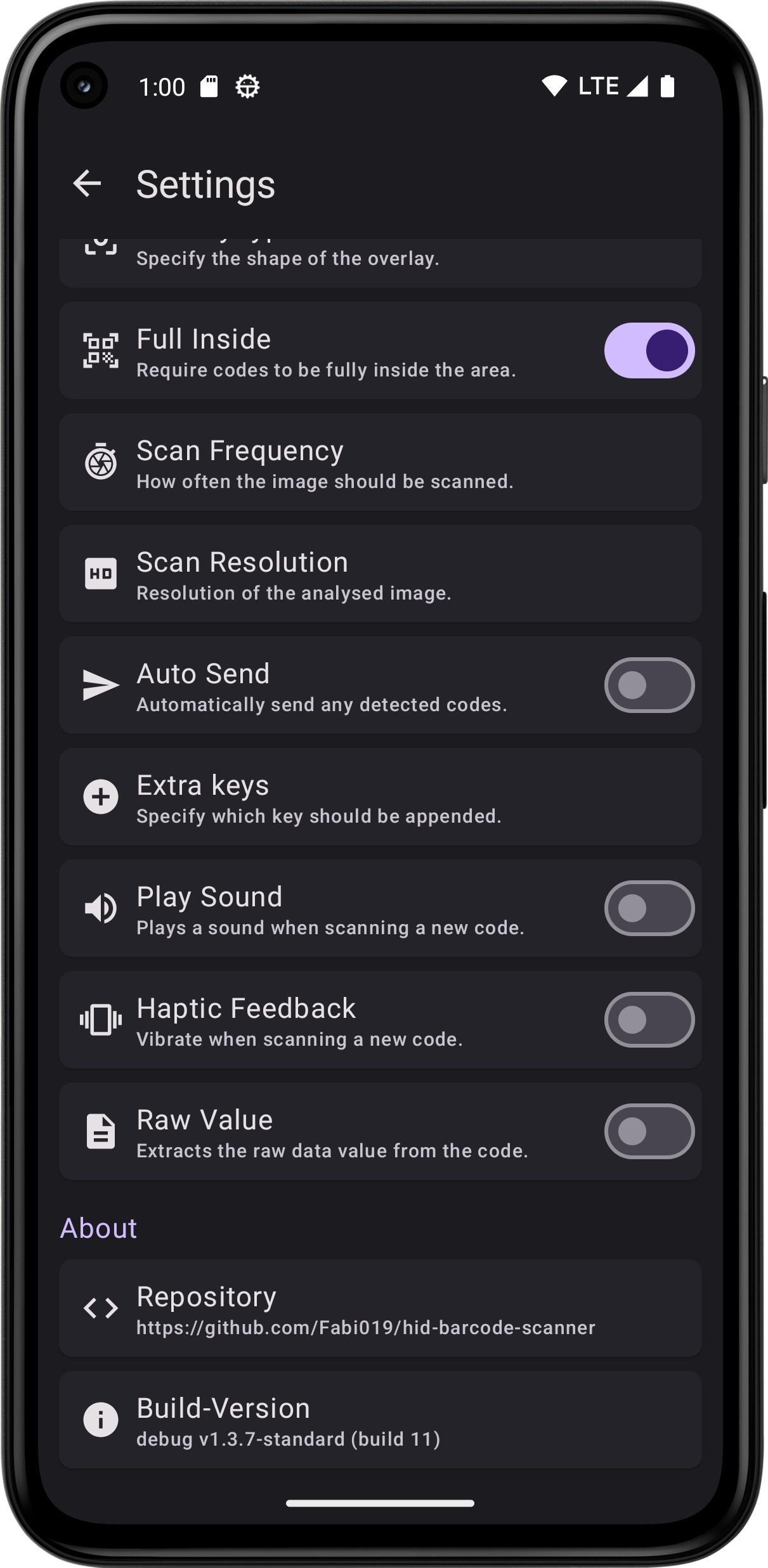
 All configurable Settings. *(Newer versions might contain more or less settings as shown in the
pictures)*
All configurable Settings. *(Newer versions might contain more or less settings as shown in the
pictures)*
 ## Download
 *Google Play and the Google Play logo are trademarks of Google LLC.*
### Download Latest APKs
Since this app uses the ML-Kit there are two app version to choose from. The standard version
doesn't contain the scanner library directly. Because of this the size much smaller than in the
bundled but requires the user to have the Play Store installed on their device.
You can either download the latest stable version from
the [Releases](https://github.com/Fabi019/hid-barcode-scanner/releases) tab or directly from
the [CI](https://github.com/Fabi019/hid-barcode-scanner/actions/workflows/test.yml) using the links
below.
- Latest
APK: [here](https://nightly.link/Fabi019/hid-barcode-scanner/workflows/test/main/APK%28s%29%20debug%20generated.zip)
- Latest Bundled
APK: [here](https://nightly.link/Fabi019/hid-barcode-scanner/workflows/test/main/APK%28s%29%20debug%20generated%20%28Bundled%29.zip)
*Google Play and the Google Play logo are trademarks of Google LLC.*
### Download Latest APKs
Since this app uses the ML-Kit there are two app version to choose from. The standard version
doesn't contain the scanner library directly. Because of this the size much smaller than in the
bundled but requires the user to have the Play Store installed on their device.
You can either download the latest stable version from
the [Releases](https://github.com/Fabi019/hid-barcode-scanner/releases) tab or directly from
the [CI](https://github.com/Fabi019/hid-barcode-scanner/actions/workflows/test.yml) using the links
below.
- Latest
APK: [here](https://nightly.link/Fabi019/hid-barcode-scanner/workflows/test/main/APK%28s%29%20debug%20generated.zip)
- Latest Bundled
APK: [here](https://nightly.link/Fabi019/hid-barcode-scanner/workflows/test/main/APK%28s%29%20debug%20generated%20%28Bundled%29.zip)


