 # Gloom
Material You Github client
---

[](https://github.com/MateriApps/Gloom/stargazers)
[](https://discord.gg/3y6vbneMsW)
# Gloom
Material You Github client
---

[](https://github.com/MateriApps/Gloom/stargazers)
[](https://discord.gg/3y6vbneMsW)
  
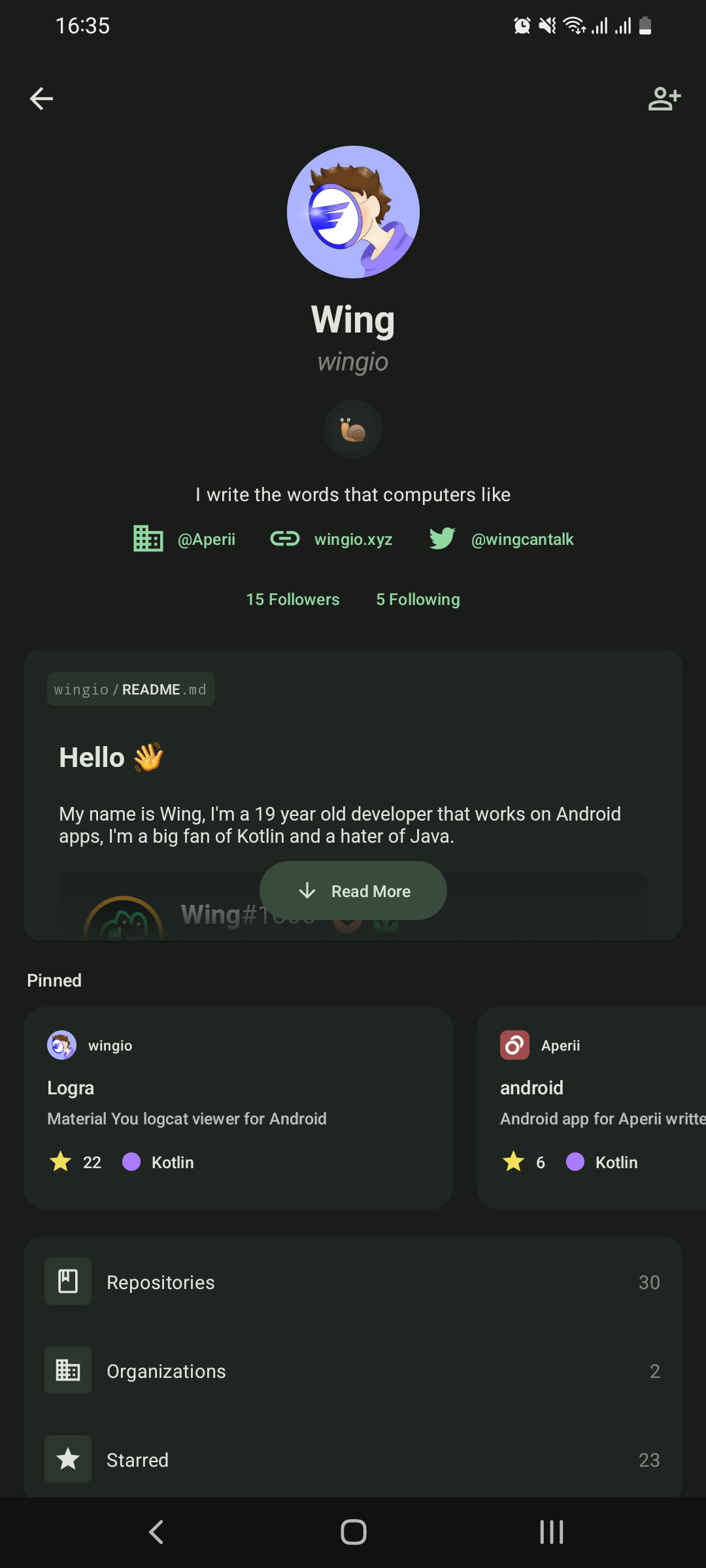 |
| 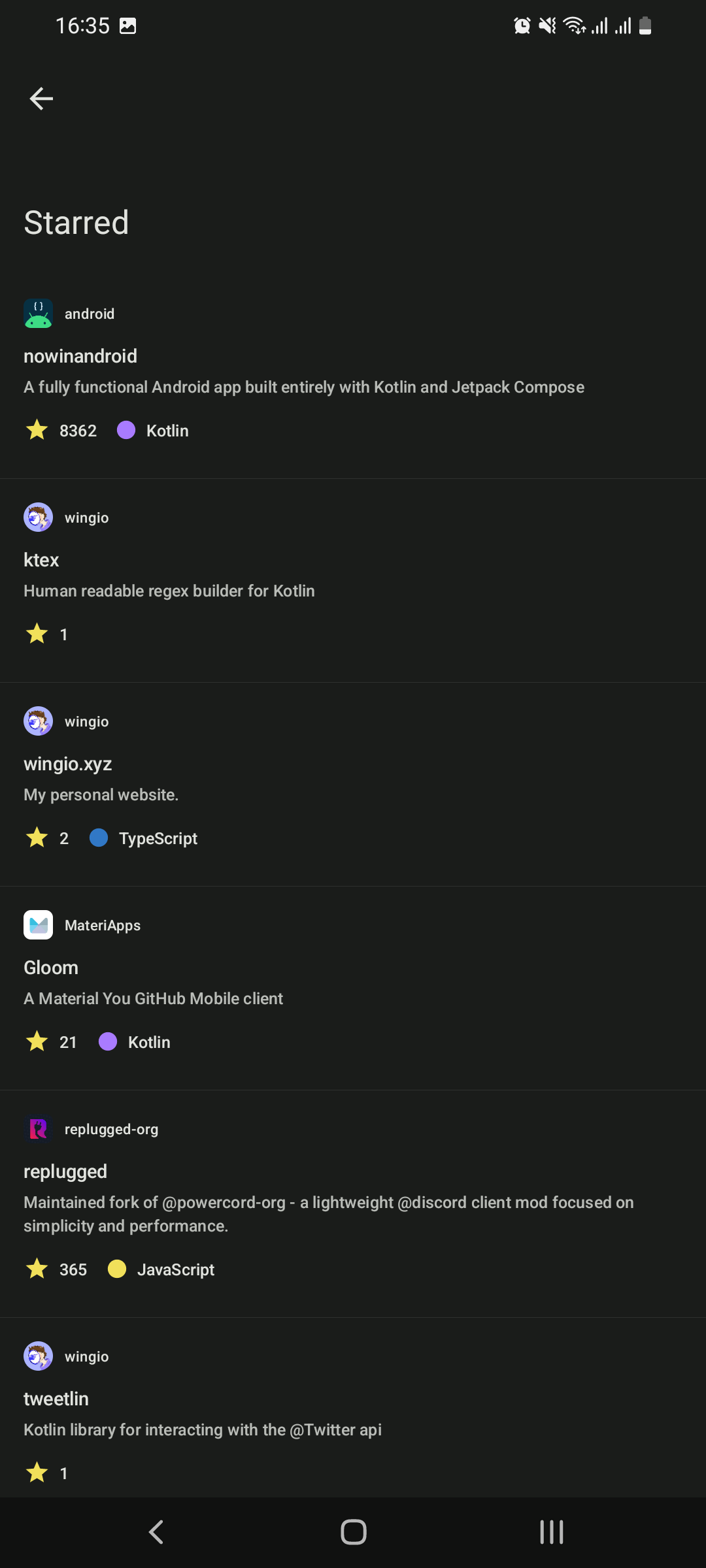 |
| 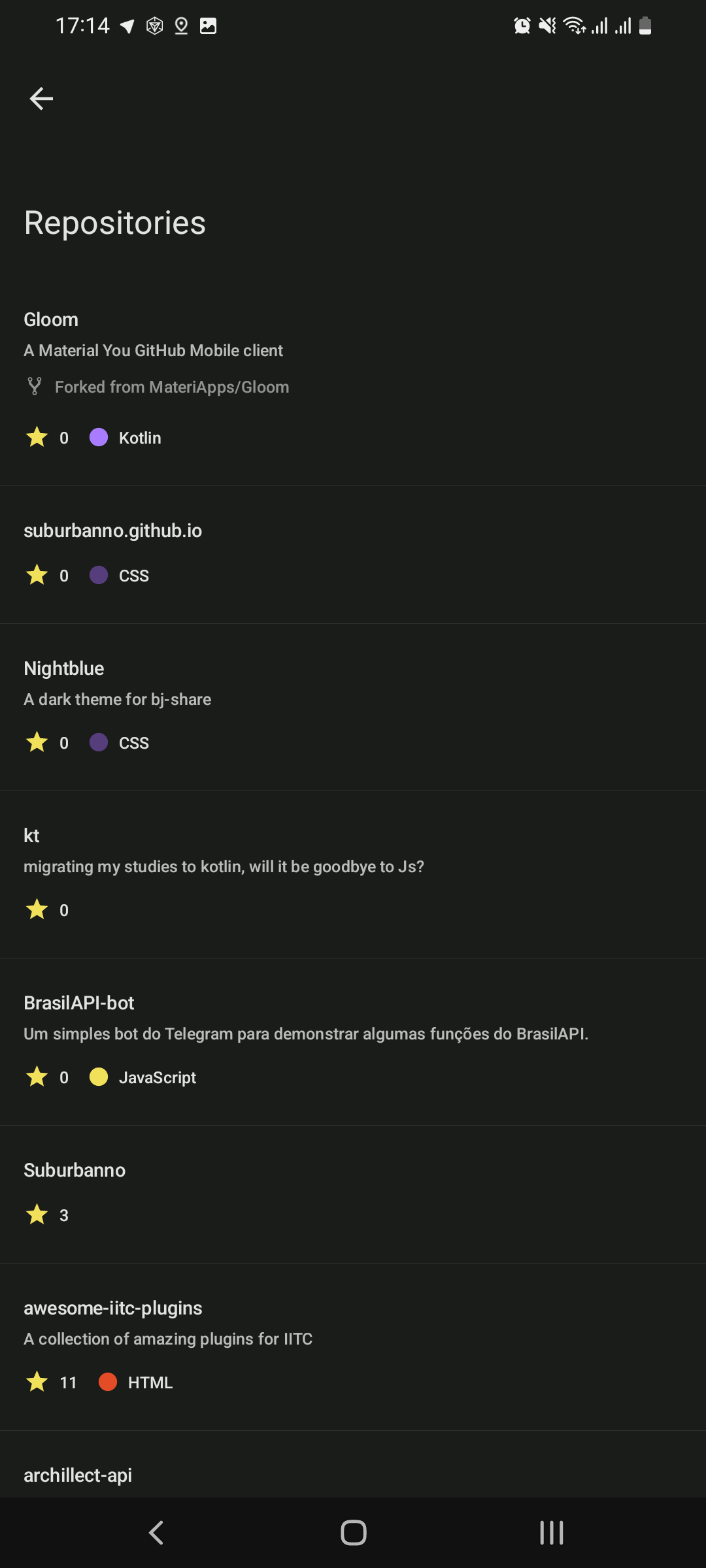 |
| 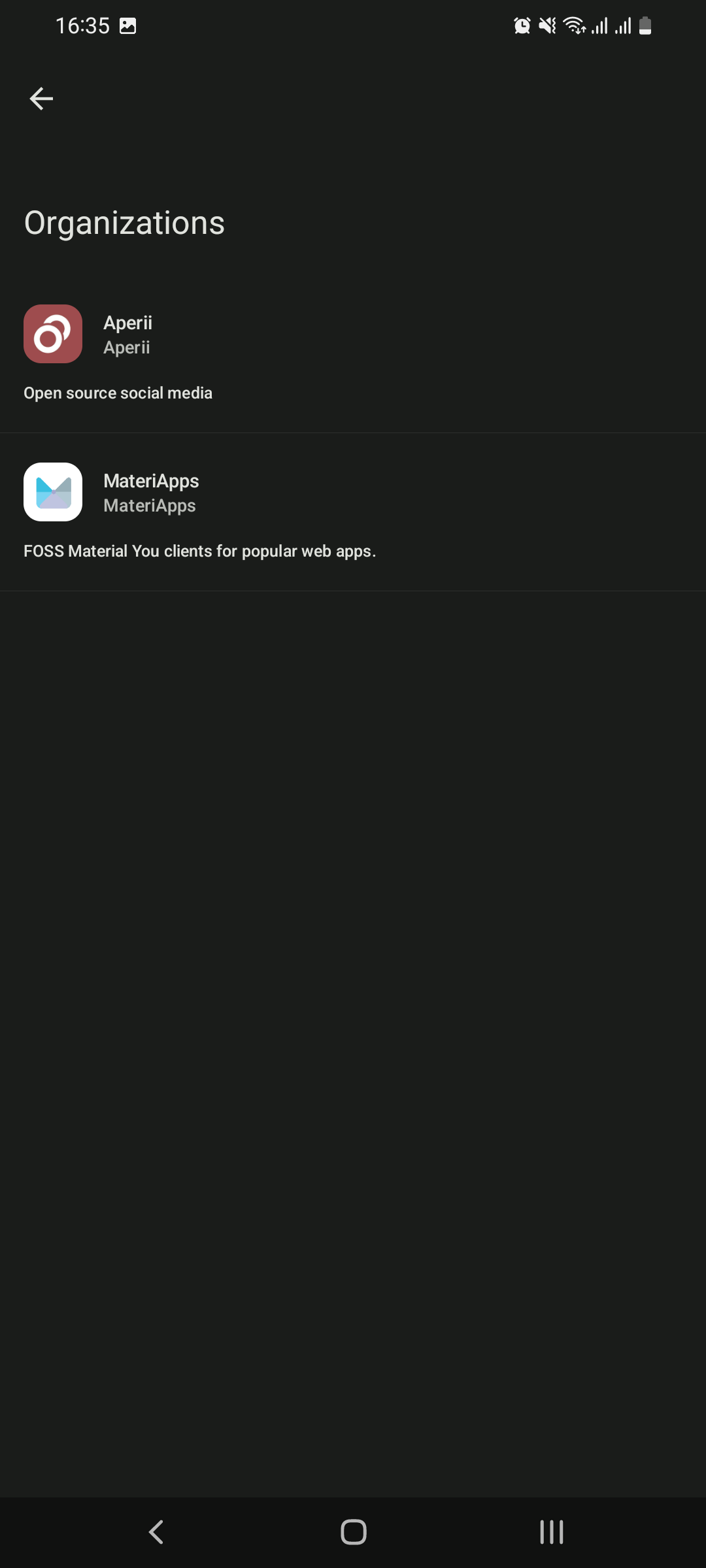 |
## Roadmap
You can view the project roadmap [here](https://github.com/orgs/MateriiApps/projects/2)
Installation
---
1. Download the [latest actions build](https://nightly.link/MateriApps/Gloom/workflows/android/main/artifact.zip), if on PC then transfer the file over to your phone
2. Unzip `artifact.zip`
3. Make sure to allow install unknown apps
4. Install the apk
Build
---
#### Prerequisites
- [Git](https://git-scm.com/downloads)
- [JDK 11](https://www.oracle.com/java/technologies/javase/jdk11-archive-downloads.html)
- [Android SDK](https://developer.android.com/studio)
#### Instructions
1. Clone the repo
- `git clone https://github.com/MateriApps/Gloom.git && cd Gloom`
2. Build the project
- Linux: `chmod +x ./gradlew && gradlew assembleDebug`
- Windows: `./gradlew assembleDebug`
3. Install on device
- [Enable usb debugging](https://developer.android.com/studio/debug/dev-options) and plug in your phone
- Run `adb install app/build/outputs/apk/debug/app-debug.apk`
## Contributing
This is an open-source project, you can do so without any programming.
Here are a few things you can do:
- [Test and report issues](https://github.com/MateriApps/Gloom/issues/new/choose)
- [Translate the app into your language](https://crowdin.com/project/gloom)
License
---
Gloom is licensed under the GNU General Public License v3.0
[](https://github.com/MateriApps/Gloom/blob/main/LICENSE)
|
## Roadmap
You can view the project roadmap [here](https://github.com/orgs/MateriiApps/projects/2)
Installation
---
1. Download the [latest actions build](https://nightly.link/MateriApps/Gloom/workflows/android/main/artifact.zip), if on PC then transfer the file over to your phone
2. Unzip `artifact.zip`
3. Make sure to allow install unknown apps
4. Install the apk
Build
---
#### Prerequisites
- [Git](https://git-scm.com/downloads)
- [JDK 11](https://www.oracle.com/java/technologies/javase/jdk11-archive-downloads.html)
- [Android SDK](https://developer.android.com/studio)
#### Instructions
1. Clone the repo
- `git clone https://github.com/MateriApps/Gloom.git && cd Gloom`
2. Build the project
- Linux: `chmod +x ./gradlew && gradlew assembleDebug`
- Windows: `./gradlew assembleDebug`
3. Install on device
- [Enable usb debugging](https://developer.android.com/studio/debug/dev-options) and plug in your phone
- Run `adb install app/build/outputs/apk/debug/app-debug.apk`
## Contributing
This is an open-source project, you can do so without any programming.
Here are a few things you can do:
- [Test and report issues](https://github.com/MateriApps/Gloom/issues/new/choose)
- [Translate the app into your language](https://crowdin.com/project/gloom)
License
---
Gloom is licensed under the GNU General Public License v3.0
[](https://github.com/MateriApps/Gloom/blob/main/LICENSE)